

The digital world is changing faster than ever, and businesses need websites that everyone can use—regardless of age, disability, or device limitations. Today, website accessibility is not optional; it is a core part of professional web development, customer experience, and SEO growth. Moreover, accessible websites build trust, attract more visitors, improve engagement, and help your brand stand out in competitive markets.
Before we dive deep, businesses looking for accessibility-friendly development partners can explore Technobot System Pvt. Ltd.—an IT company offering customized web solutions that follow accessibility and modern UX standards.
What Is Website Accessibility?
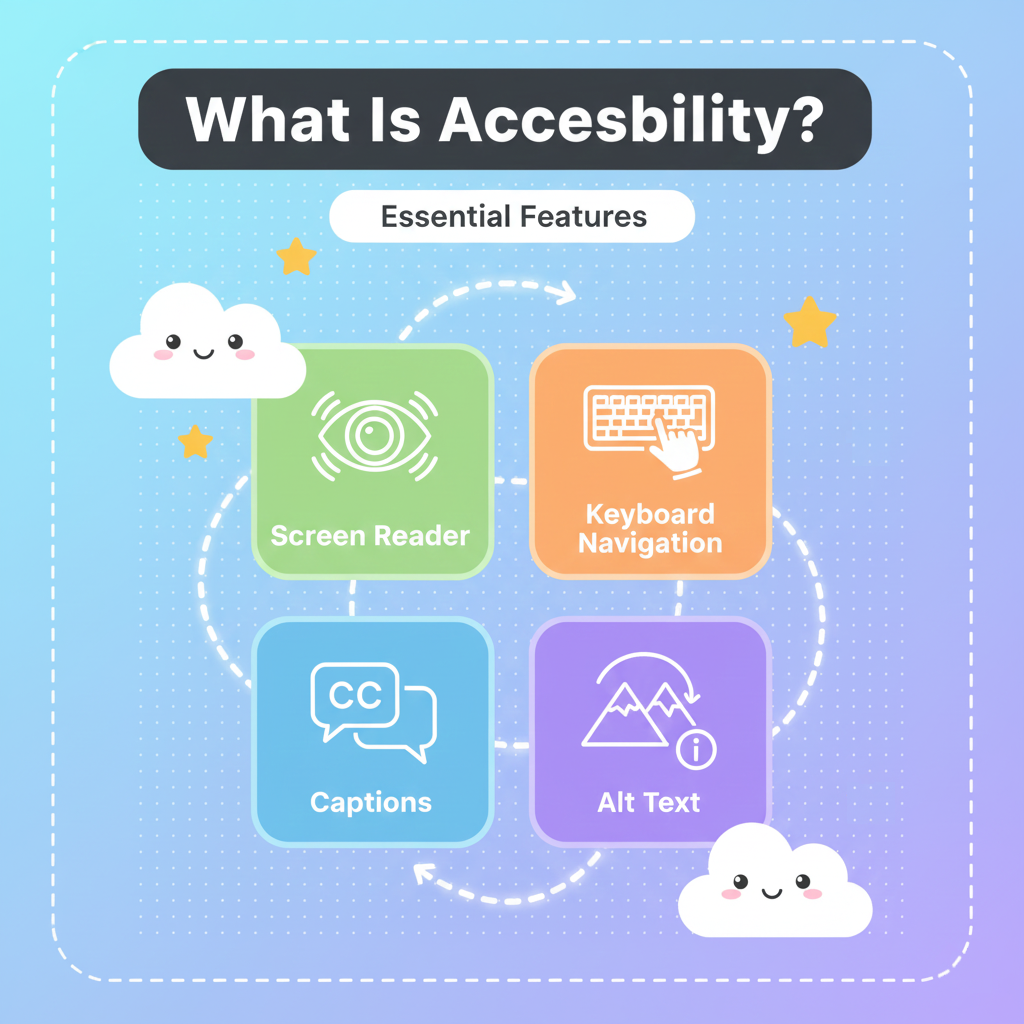
Website accessibility means designing a website so that people with disabilities—including visual, hearing, cognitive, motor, and age-related challenges—can use it easily.
Why Accessibility Matters
- It gives equal access to everyone
- It ensures your website follows global standards like WCAG 2.2
- It boosts your website’s SEO ranking
- It improves brand reputation
- It enhances user satisfaction and conversions
Why Accessibility Is Important for Modern Businesses
Accessibility is not just a “good-to-have”—instead, it directly affects how customers interact with your brand. Furthermore, search engines such as Google now prioritize websites that follow accessibility practices because they provide better user experience.
Key Business Benefits
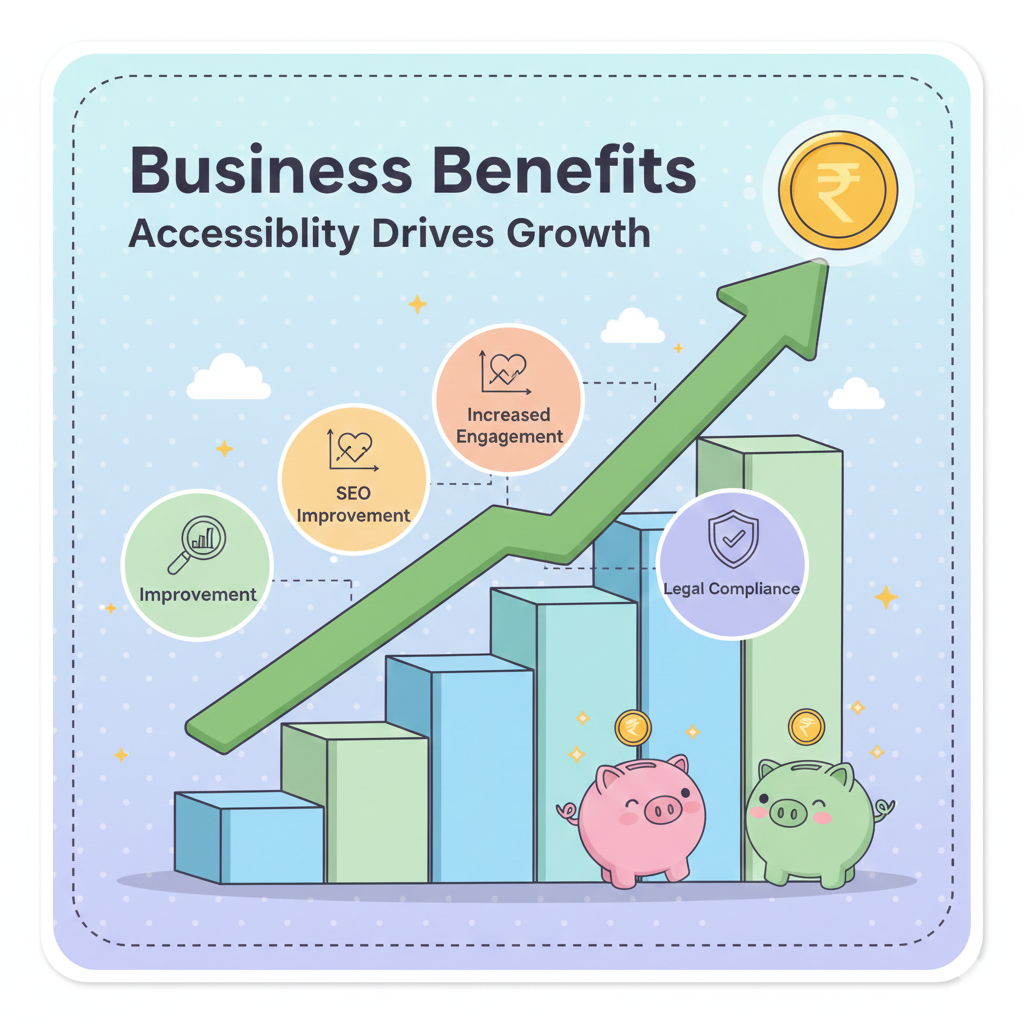
- Better SEO Performance
Accessible websites load faster, have structured content, and are easier for search engines to understand. - Higher User Engagement & Lower Bounce Rate
Because your site becomes easier to navigate for everyone—including elderly users and users with slow internet. - Legal Compliance (USA ADA, EU Accessibility Act, India RPwD Act)
Avoid legal issues and build a protected, compliant brand identity. - Bigger Audience Reach
Over 1 billion+ people need accessibility-friendly digital platforms. - Better Brand Trust & Customer Loyalty
Businesses that prioritize inclusivity always win customer trust.
Core Principles of Web Accessibility (WCAG Guidelines)
1. Perceivable
Users must be able to see or hear your website content.
Examples:
- Text alternatives (alt text) for images
- Captions for videos
- Resizable text
2. Operable
The site should be usable through keyboard navigation.
Examples:
- Skip navigation buttons
- Visible focus states
- Keyboard-friendly menus
3. Understandable
Content should be predictable and easy to read.
Examples:
- Simple language
- Consistent layout
- Error suggestions
4. Robust
Website should work smoothly across all devices and screen readers.
Examples:
- Clean HTML structure
- ARIA labels
- Assistive-tech compatibility
For detailed standards, visit WCAG official documentation:
👉 https://www.w3.org/WAI/standards-guidelines/
Practical Tips to Make Your Website More Accessible
1. Use High Color Contrast
People with low vision need strong contrast between text and background.
2. Add Proper Alt Text for All Images
This helps:
- Screen readers
- Google image SEO
- Visually impaired users
3. Make Website Keyboard-Friendly
Users should navigate using Tab keys.
4. Provide Audio/Video Accessibility
Include:
- Subtitles
- Captions
- Transcripts
5. Ensure Your Website Is Mobile-Friendly
Modern users—including elderly groups—prefer mobile browsing.
This is also a ranking factor.
For mobile-friendly development, explore:
👉 https://technobotsystem.com/contact
6. Avoid Auto-Play Animations
They may cause discomfort for users with cognitive disabilities.
7. Add Clear Navigation
Menus should be simple, predictable, and descriptive.
How Accessibility Improves SEO (Very Important for Google Ranking)
Google loves websites that offer better user experience. That’s why accessibility helps you rank higher.
Benefits for SEO
- Structured content improves indexing
- Faster loading improves ranking
- Alt text improves image discoverability
- Clear navigation increases time on site
- Better mobile experience improves core web vitals
Therefore, accessibility becomes a double win—good for users and great for SEO.
Tools to Test Website Accessibility
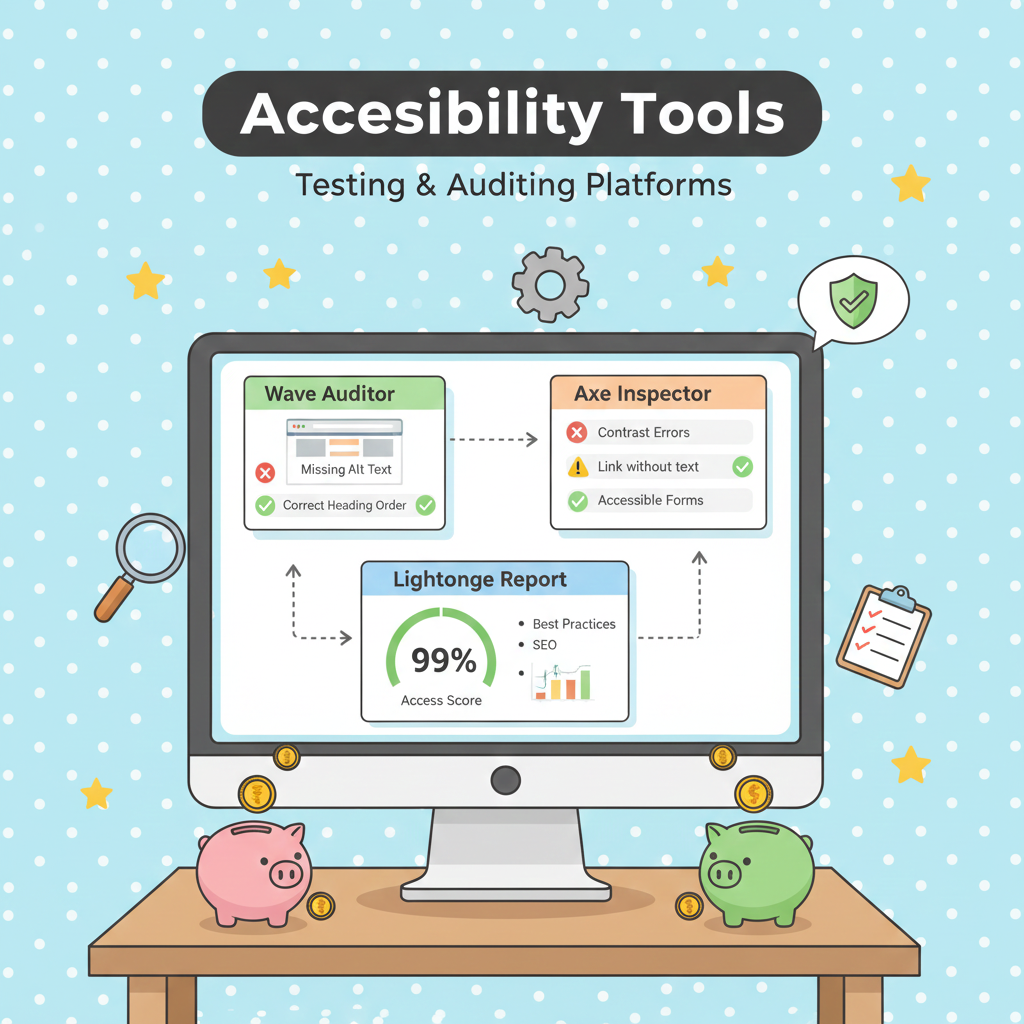
Free Tools
- Wave Accessibility Tool
- Lighthouse by Chrome
- W3C Validator
- AXE DevTools
- Color Contrast Checker
Professional Accessible Website Development
If you want a modern, user-friendly, and WCAG-compliant website for your business, you can rely on Technobot System Pvt. Ltd. Their services include:
- Accessible custom websites
- UI/UX improvements
- Speed optimization
- ADA & WCAG compliance
- SEO-ready design
Conclusion
Website accessibility is more than a technical requirement—it is a strong business advantage. As more customers rely on digital platforms, accessible websites become essential for trust, growth, traffic, and long-term brand success. By implementing simple accessibility guidelines, businesses can become more inclusive—and more profitable.
Tags
Share this article
About the Author
Experienced IT professional specializing in enterprise solutions and modern technology implementations.
Related Articles

Stay Updated
Get the latest IT insights delivered to your inbox.